


Hassle free, 2-Year Warranty
Fast, Free Shipping on Orders $35+
Lifetime Technical Support
30-Day Money Back Guarantee
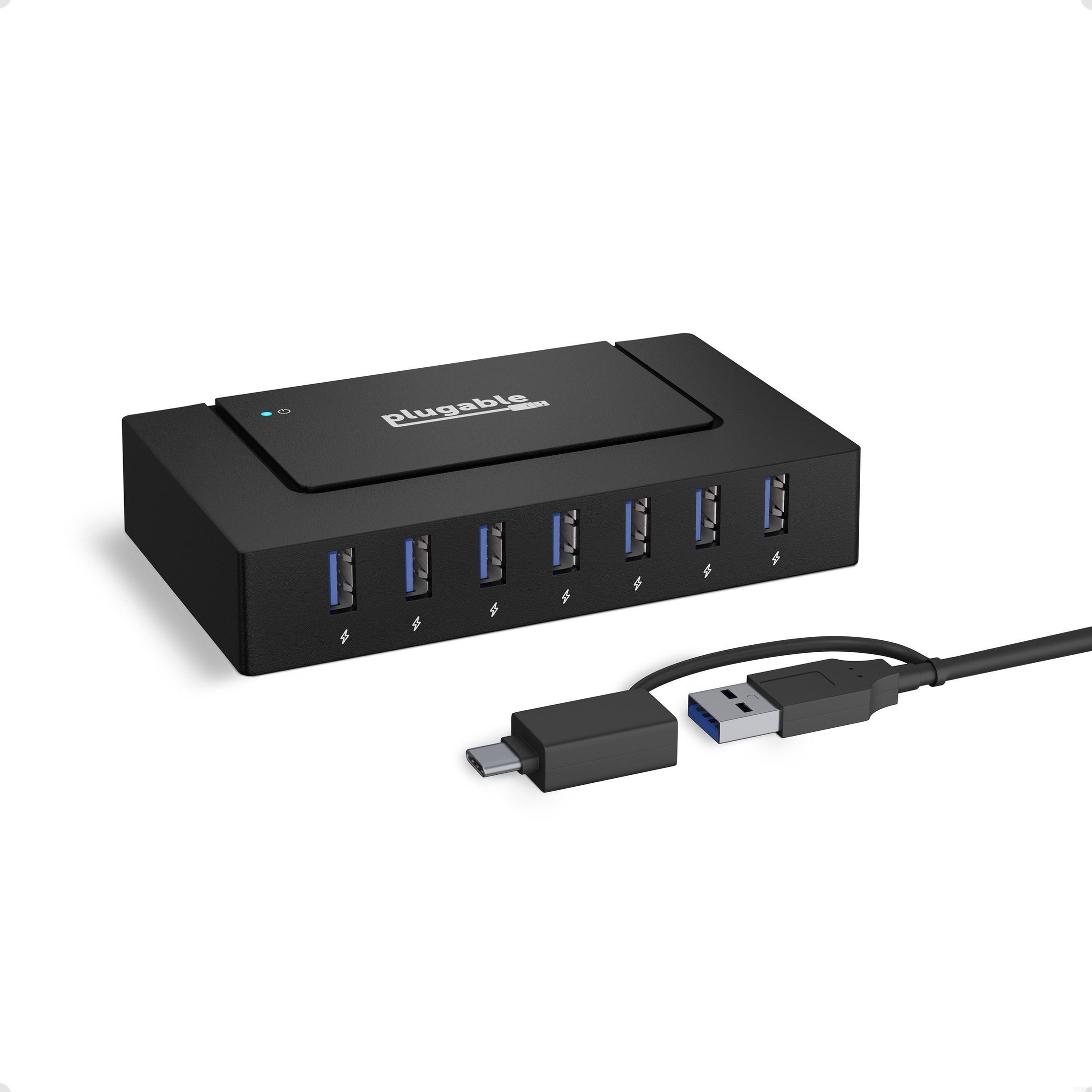
Plugable USB 3.0 and USB-C 7-Port Charging Hub
$54.95 USD
SKU: USBC-HUB7BCAmazon Rating : (241 Reviews)
Features
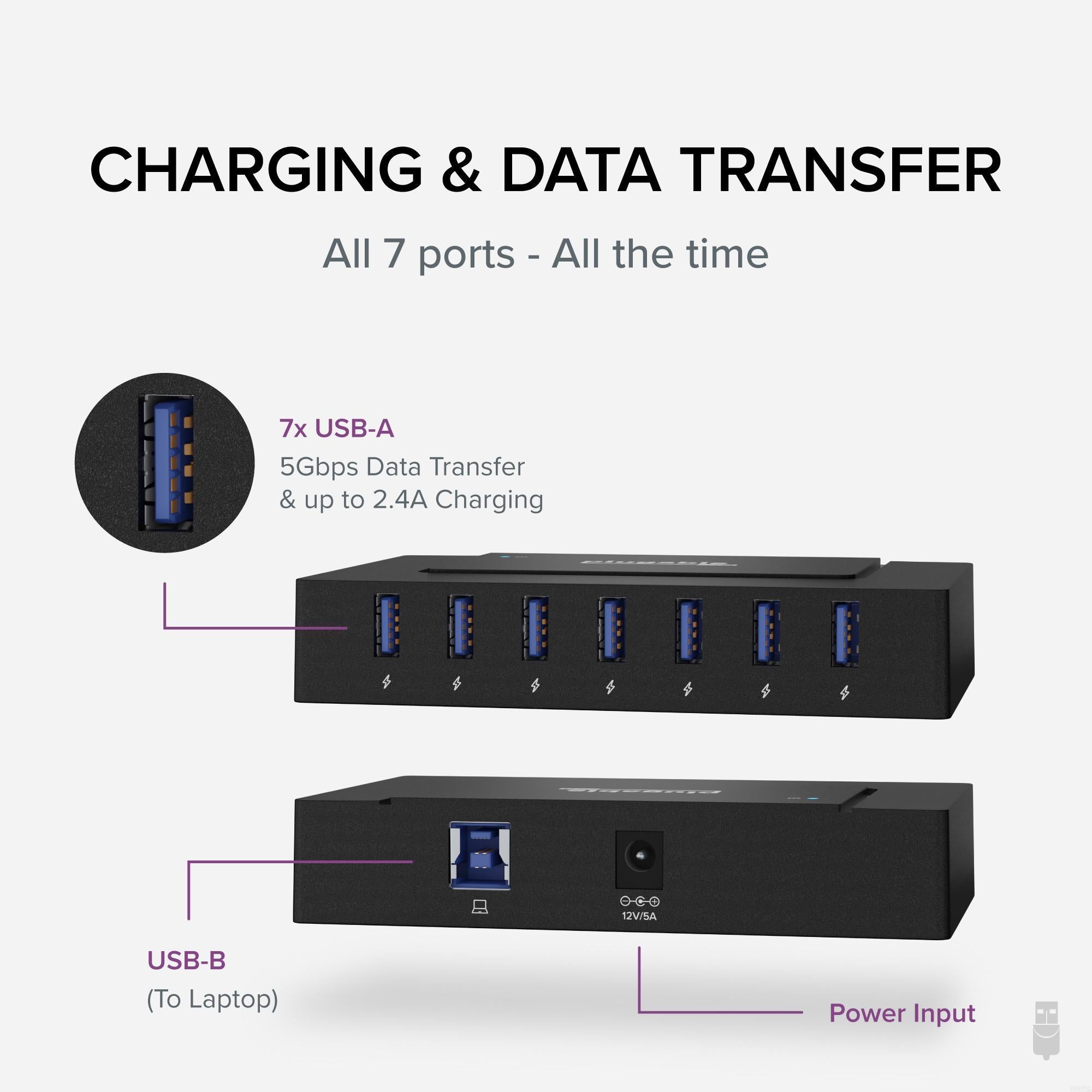
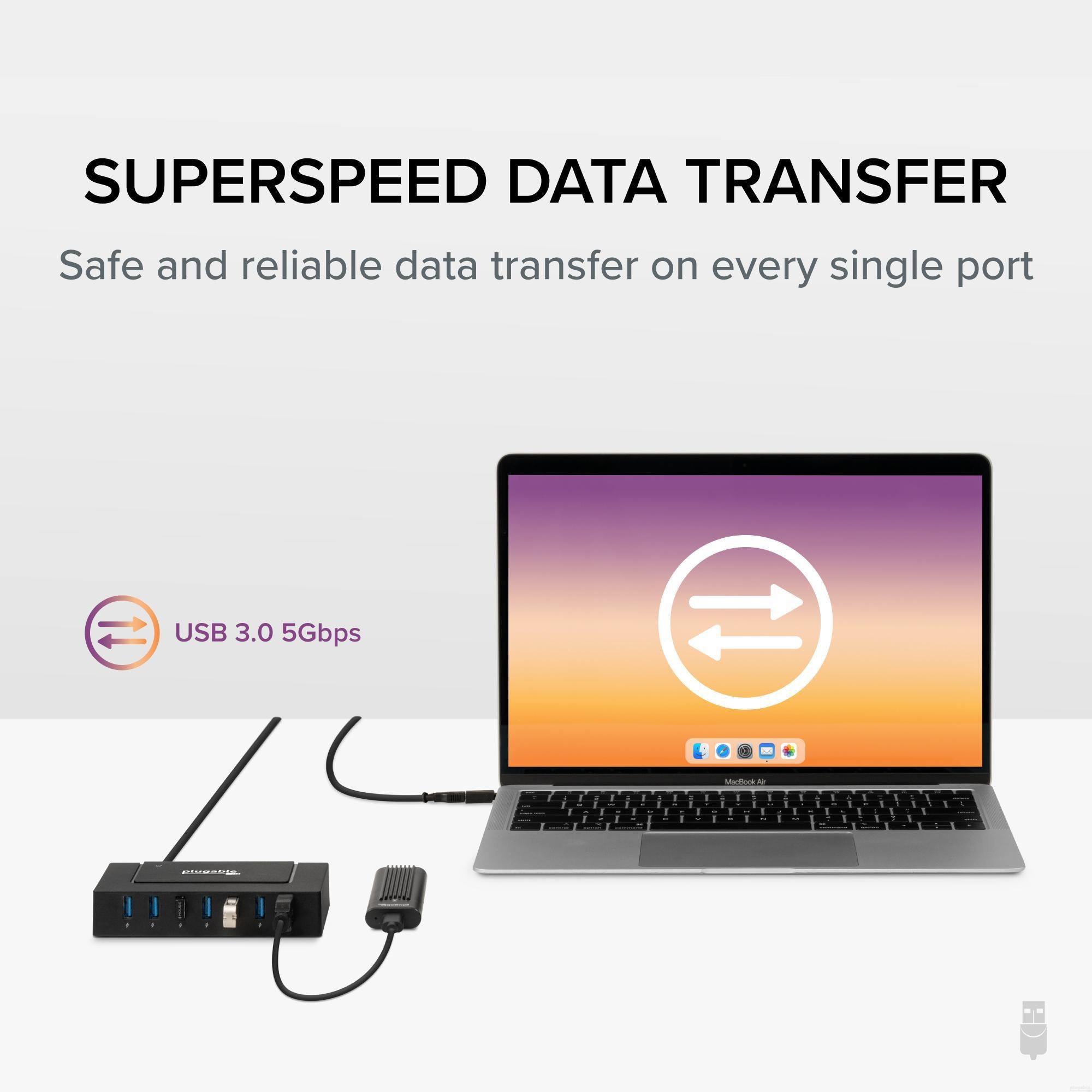
- Full Data and Power— This USB 3.0 hub includes seven SuperSpeed ports delivering up to 5Gbps data transfer alongside consistent charging - ideal for both USB-A and USB-C laptops. The included 60W adapter ensures it also works flawlessly as a standalone USB 3.0 powered hub for desktops or permanent setups.
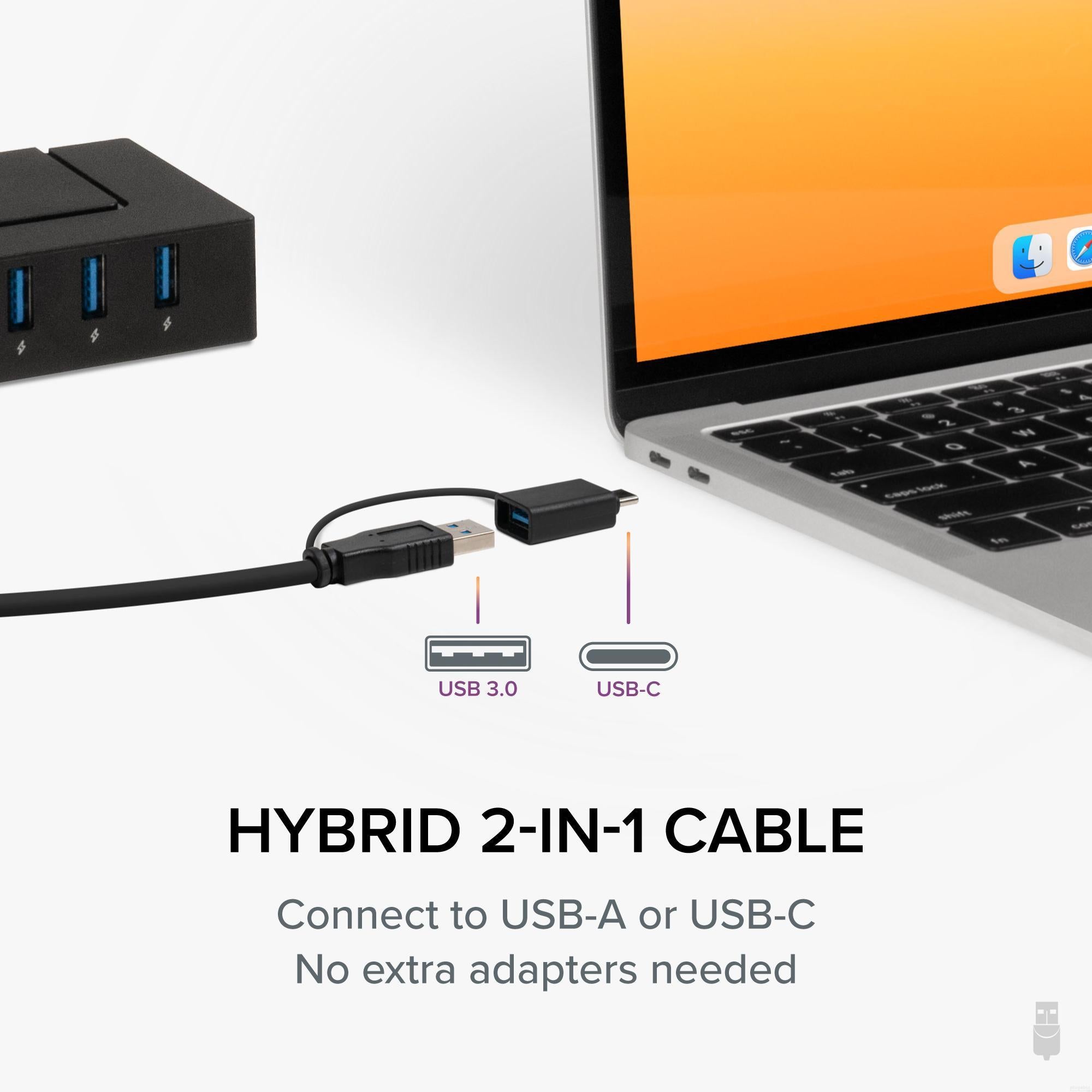
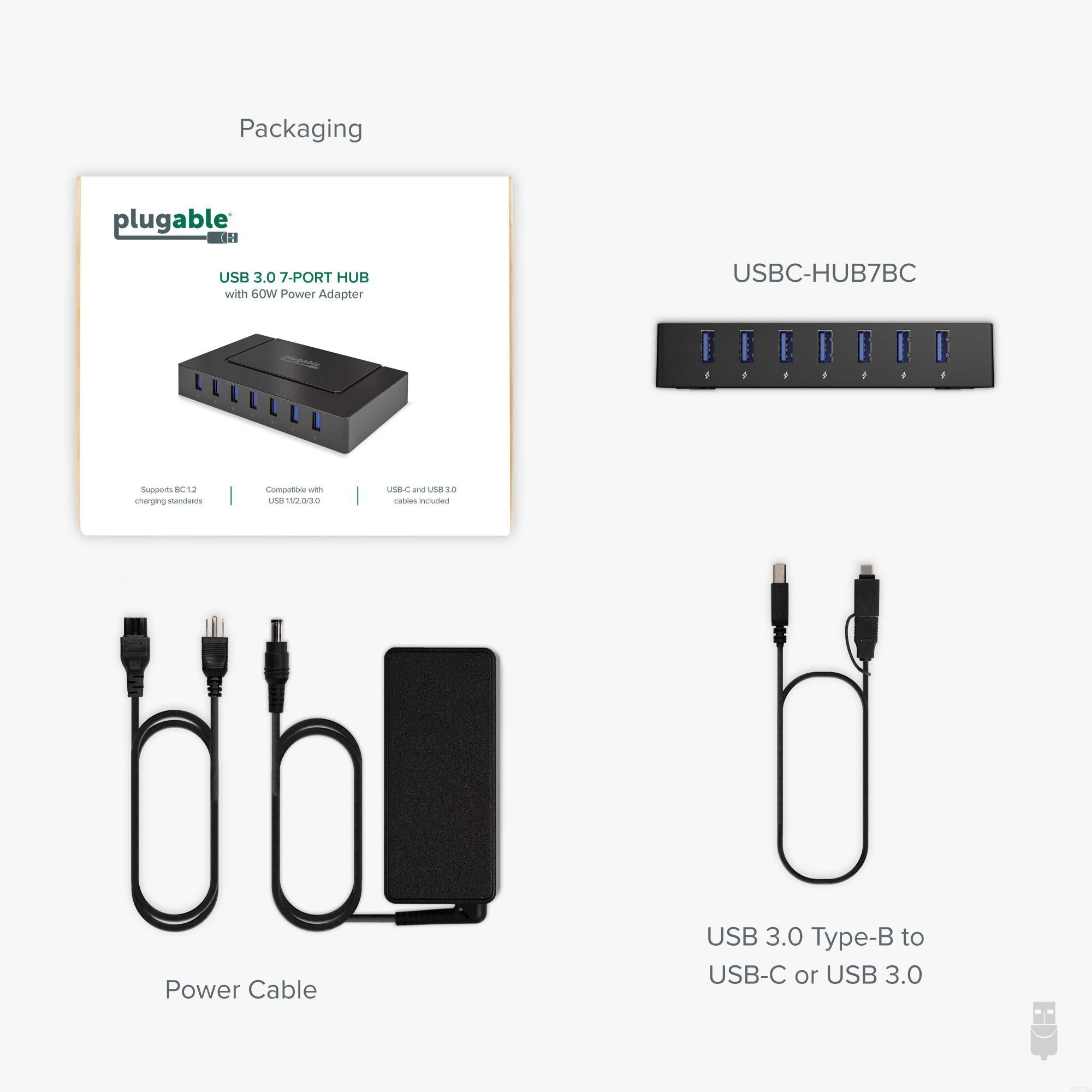
- USB 3.0 and USB-C Connectivity— With a hybrid 2-in-1 USB-C and USB-A cable, this USB3 hub seamlessly connects to both newer laptops and older systems. Switch between interfaces easily, and enjoy forward/backward compatibility across USB-C, 3.0, 2.0, and even 1.1 devices.
- Recommended Uses— Ideal for home use as a laptop USB hub, shared family charging stations, or even classrooms managing multiple student devices. Stack multiple hubs to create high-volume sync and charge stations for IT labs or device testing environments.
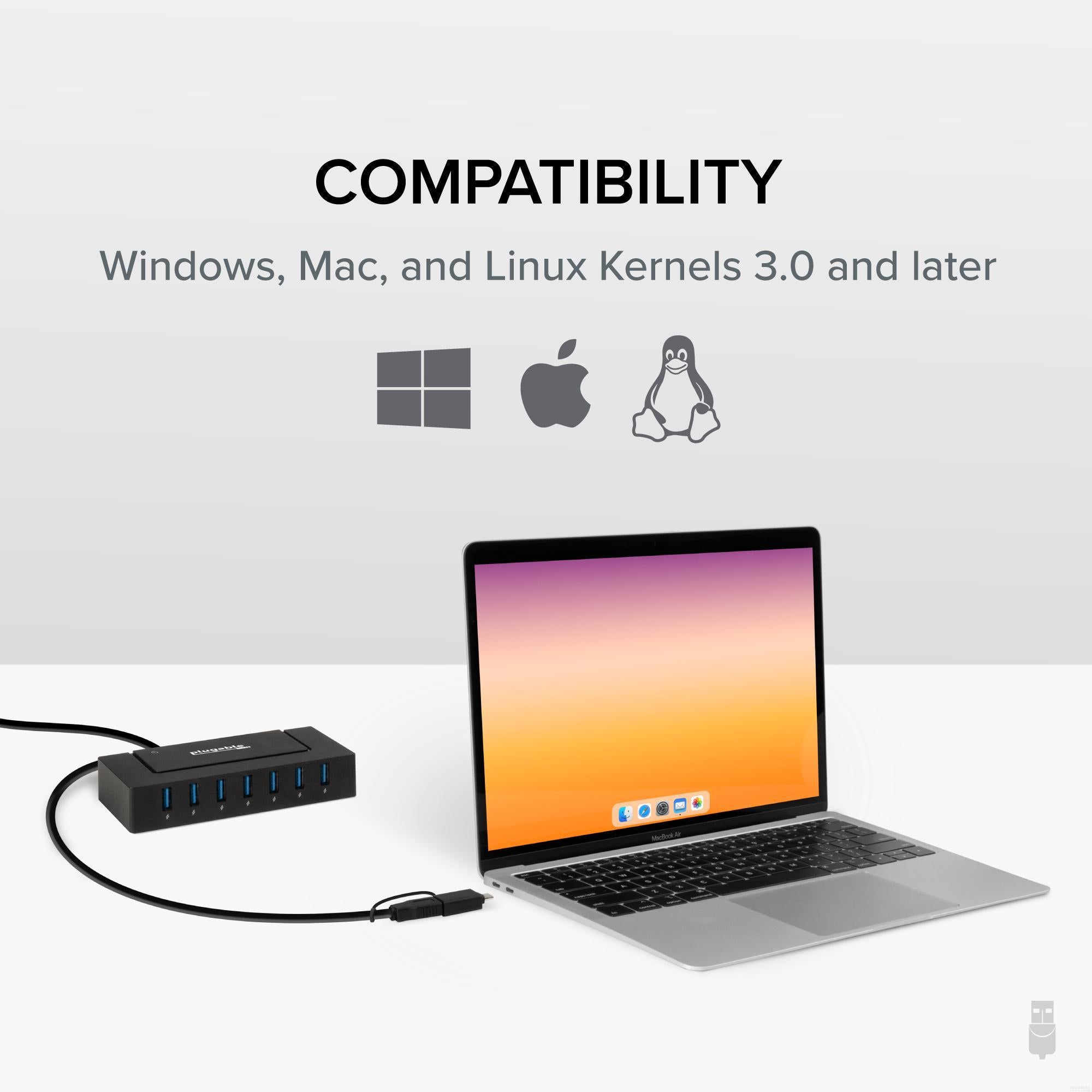
- Universal Compatibility— The Plugable 7 port USB hub offers plug-and-play support for Windows, macOS, and Linux systems. For older machines, simply install the latest drivers and system updates to ensure full compatibility and optimal performance.
- Lifetime Support— This multiport USB hub has been designed with reliability at its core and was built to meet the deployment demands of IT departments and the ease of use necessary for home offices. Includes lifetime support from our North American team of connectivity experts.
For volume orders or business inquiries contact sales@plugable.com
Free 3-Day Continental U.S. Shipping When Buying Direct!


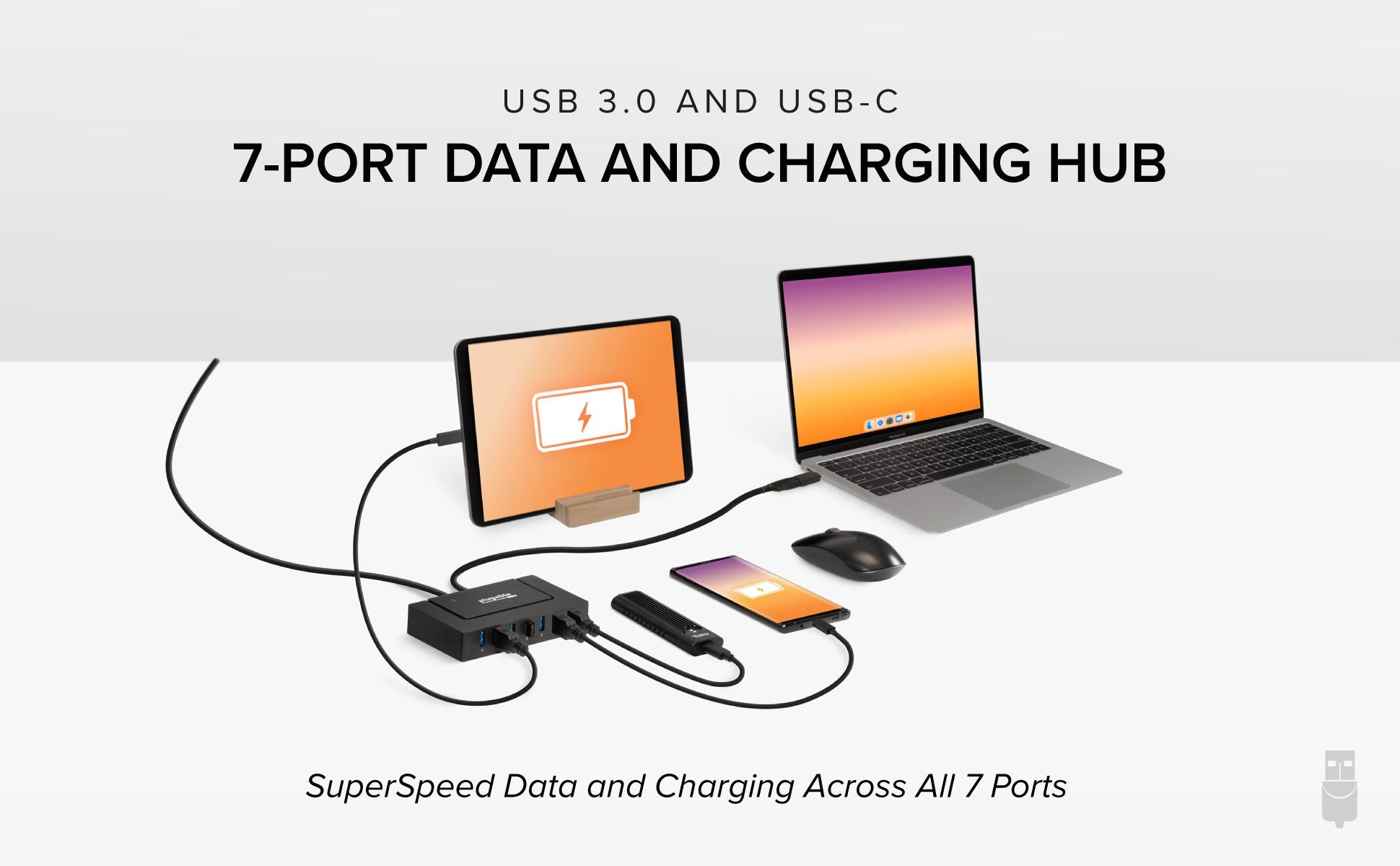
Two Powerful Functions in One Powerful Device
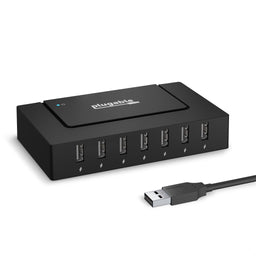
The Plugable USB 3.0 and USB-C 7-Port Hub (USBC-HUB7BC) delivers performance in a way that few others can match. Connected to a laptop–USB-A and USB-C connections included–you have instant access to 7 USB ports, each capable of transfer speeds up to 5Gbps. And here’s something unique, you also get maximum USB charging speeds on every single port.
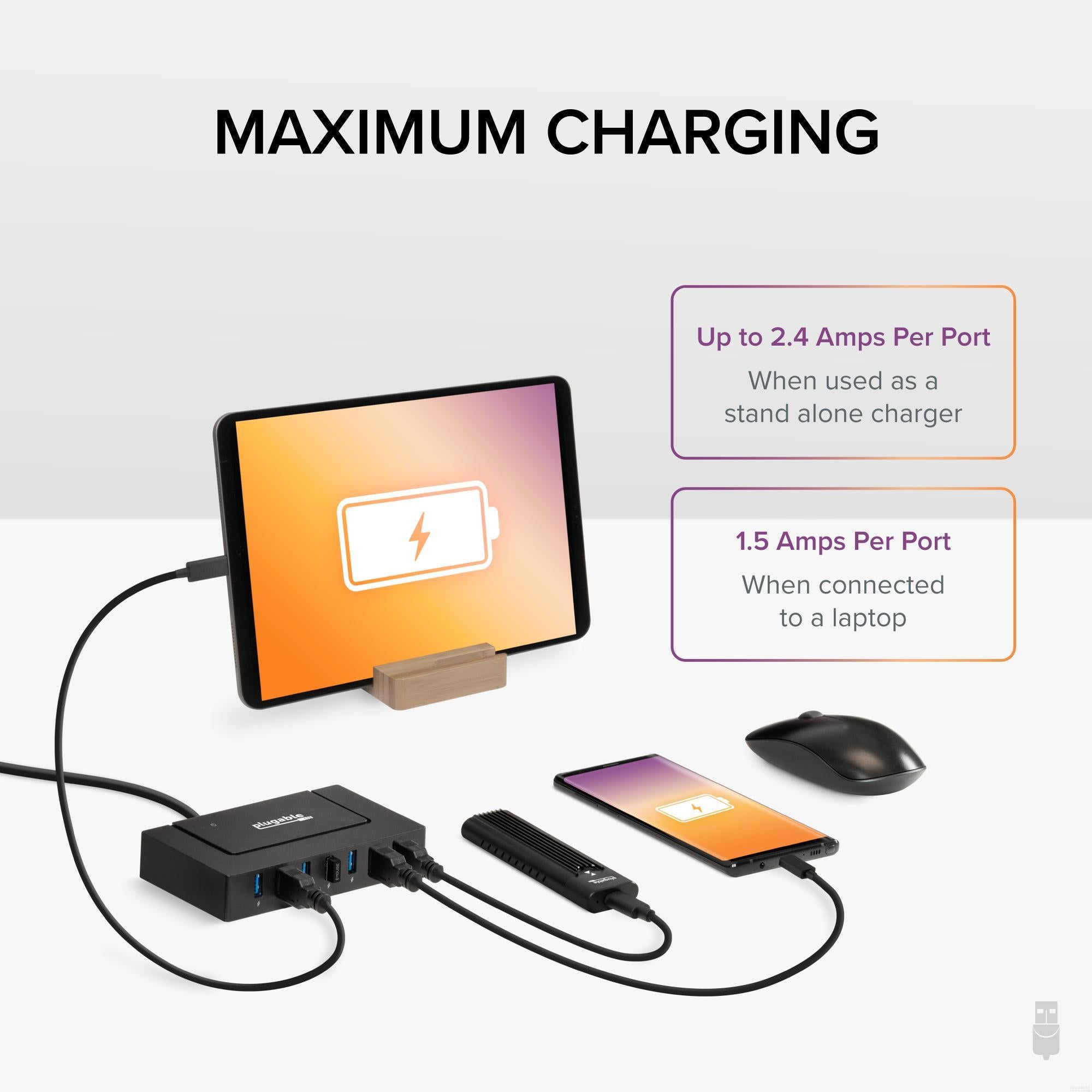
If you don’t need data, this USB powered hub comes bundled with a UL Certified power adapter capable of providing 5V at up to 2.4A to each of the seven USB ports. No computer required. And thanks to smart charging circuits, each device powers at its own max rate. No need to worry about overcharging.
Technical specifications & compatibility

Standalone or Stacked
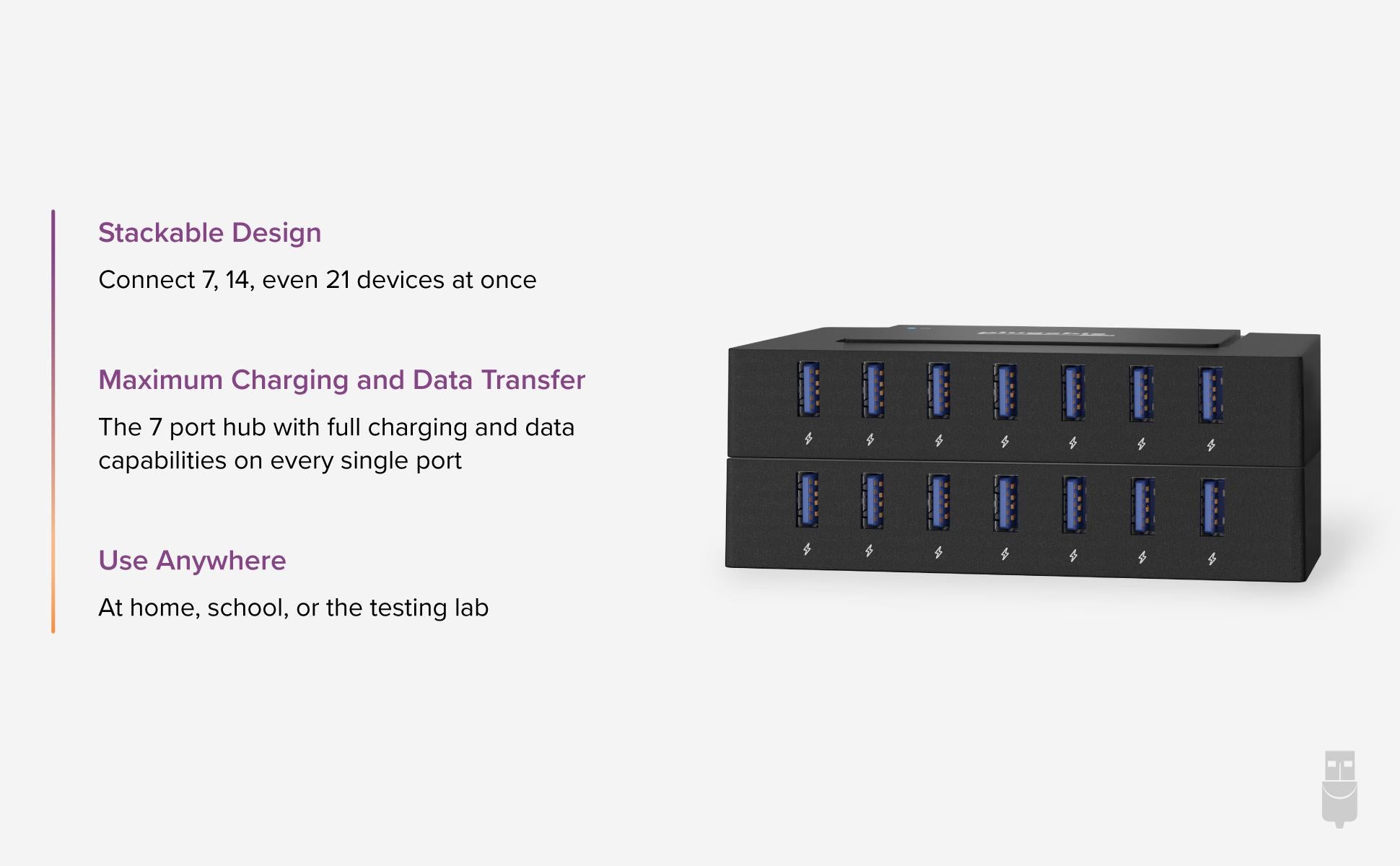
As a standalone unit, the USBC-HUB7BC stands out for its SuperSpeed data and high-speed charging. But what if you needed to charge 14, 21, even 210 devices? This multi-port powered USB Hub is designed to be stacked.
As your need for power or ports grows, the USBC-HUB7BC can grow right along with it. All seven ports are lined up along the front with plenty of space between, so even when stacked, you won’t fumble with the connections.
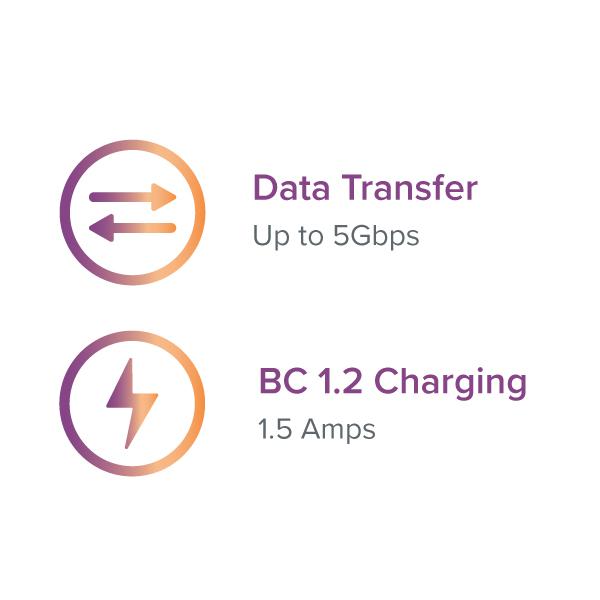
Charging and Data on Every Port
When you need performance on every port, you need a hub that offers full functionality on every port. Other hubs split the duty of data and charging between ports, so you’re only getting two or three charging slots.
The Plugable USB 3.0 and USB-C 7-Port Hub goes all in. Get data transfer speeds up to 5Gbps, and BC 1.2 charging at 1.5A on every port. No exceptions.

Designed to Work Where You Work
The USBC-HUB7BC centralizes your charging efforts. At home, set it up as a community charging spot for phones and tablets. At school, combine two or three to easily charge and sync student devices. And in large-scale operations, deploy as many hubs as you need to test and charge at scale.
 |
 |
 |
 |
|
|---|---|---|---|---|
Host Compatibility |
USB-C & USB 3.0 |
USB 2.0 |
USB 2.0 |
USB 3.0 |
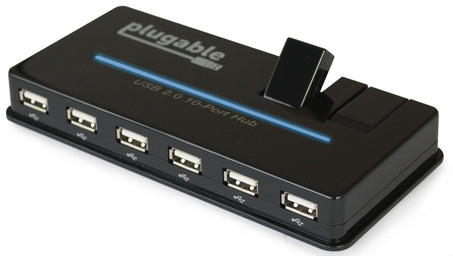
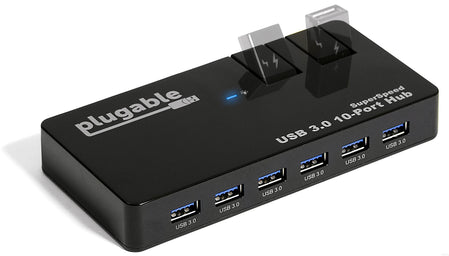
Data and Charging Ports |
7 |
7 |
2 |
2 |
Data Only Ports |
✗ |
✗ |
8 |
8 |
Total Ports |
7 |
7 |
10 |
10 |
Power Adapter |
60W |
60W |
20W |
48W |
Stackable Design |
✓ |
✓ |
✗ |
✗ |
Filter Help Articles and Frequent Questions by Category
Choose one or more filters within each category to narrow down the articles. Each selection will result in only displaying articles that include all of your choices.
Articles
Well how about that, it looks like we don't have any articles matching your filters! Try removing one of your choices or clear the filters to show all articles.
You can always contact support if you need help too!
USB Port Types
USB-A

pietz, CC BY-SA 3.0 , via Wikimedia Commons
This is the standard USB connection that most computers offered prior to the introduction of USB Type-C (USB-C). Even after the introduction of USB Type-C, this is still quite common.
It can provide data transfer rates up to the USB 3.1 Gen 2 (10 gbps) specification depending on the host and device, but does not directly support video in the way that USB-C Alternate Mode does. This limitation makes DisplayLink USB graphics adapters and docking stations ideal on systems that do not have USB-C, or in instances where more displays are needed beyond available video outputs of a PC.
USB-B

Fred the Oyster, CC BY-SA 4.0 , via Wikimedia Commons


IngenieroLoco, CC BY-SA 4.0, via Wikimedia Commons
This type of connection comes in a couple different styles depending on whether USB 3.0 and higher transfer rates are supported (bottom graphic). Usually this type of connection is used to plug into USB devices that do not have a fixed cable connected, such as USB docking stations, USB hubs, printers, and others.
USB Mini-B
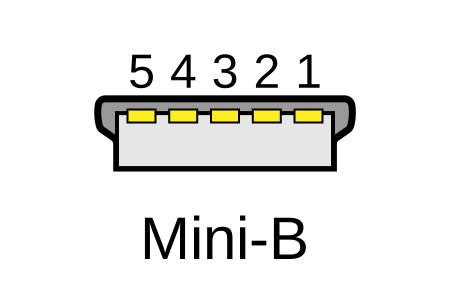
Fred the Oyster, CC BY-SA 4.0 , via Wikimedia Commons
One of the first connectors for charging a smartphone, wireless game controller (such as the Sixaxis and DualShock 3), and other small devices such as external hard drives. Not commonly used today, but is still used in some cases. Most devices using USB Mini B are using USB 2.0, though a USB 3.0 variant does exist. This specification also added USB On-The-Go (OTG) functionality, though it is more commonly implemented with Micro USB.
USB Micro-B

Fred the Oyster, CC BY-SA 4.0, via Wikimedia Commons
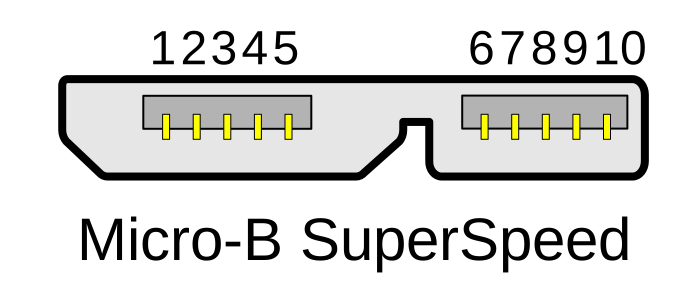
IngenieroLoco, CC BY-SA 4.0 , via Wikimedia Commons

A smaller connector that serves many of the same uses as the Mini B connector, with added optional features such as Mobile High-Definition Link (MHL) to allow devices like smartphones to output video to larger displays without requiring a dedicated port for video output.
The larger variant of USB-B is most commonly used for external hard drives for higher 5Gbps transfer rates.
USB-C, Thunderbolt™ 3, and Thunderbolt™ 4
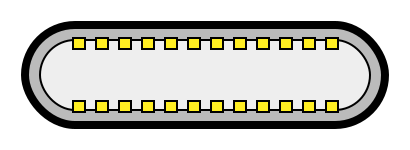
Niridya , CC0, via Wikimedia Commons
The most recent USB connection, USB Type-C (USB-C), represents a major change in what USB can do. The connector is smaller, can be connected in two orientations, is able to carry substantially more power and data, and can directly carry video signals of multiple types (HDMI, DisplayPort, etc.) Intel has also adapted the USB-C connector for use with Thunderbolt 3 and Thunderbolt 4.
It is important to note that while all Thunderbolt 3 and Thunderbolt 4 connections are USB-C, not all USB-C connections can be used with Thunderbolt 3 or Thunderbolt 4 devices.
More details regarding physical USB connections can be found on Wikipedia . The graphics depicted here are adapted from Wikimedia Commons by various artists under the Creative Commons Attribution-Share Alike 3.0 Unported license.
Self-Powered vs Bus-Powered USB Devices
What Is the Difference Between Self-Powered and Bus-Powered USB Devices?
Self-powered USB device - A device that takes all of its power from an external power supply
Bus-powered USB device - A device that takes all of its power from the host computer's USB interface.
Why High-Current Devices Require External Power
While all USB ports provide some amount of power for attached devices, the available power may not be enough for certain high-current devices such as USB hubs or external hard drives. Bus-powered devices can cause issues if they need more power than is available from the host machine, as each additional device attached to the host computer reduces the total available bus power. If the power runs out, any USB device attached to the computer may suddenly disconnect, which could result in permanent data loss for a USB storage device.
How to Use Devices with Included Power Adapters
Many devices that include power adapters, especially USB hubs, will function in either self-powered or bus-powered mode. If a device comes with a power adapter, it should stay connected at all times, otherwise the device may not function as designed.
Applicable To
USBC-11IN1E, USBC-10IN1E, USBC-9IN1E, USBC-7IN1E, USBC-7IN1, AD-6IN1, USBC-4IN1, USB3-HUB4A, USBC-HUB4A, AMS-5IN1E, USB4-HUB3A, TBT4-HUB3C, USBC-HUB7BC, USB3-HUB7C, USB3-HUB3ME
Do Plugable products support the Apple SuperDrive?
Unfortunately Plugable products do not support the Apple SuperDrive.
The Apple SuperDrive has stringent power requirements that can only be met by directly connecting the SuperDrive to your host laptop. As a result at this time Apple recommends only using their USB-C adapter cables. You can find more information on that here → How to connect the Apple USB SuperDrive
If you have purchased a Plugable product to use with your Apple SuperDrive, and would like some additional assistance please do not hesitate to reach out. You can do so by emailing support@plugable.com, or going to Plugable.com/Support.


- Choosing a selection results in a full page refresh.
